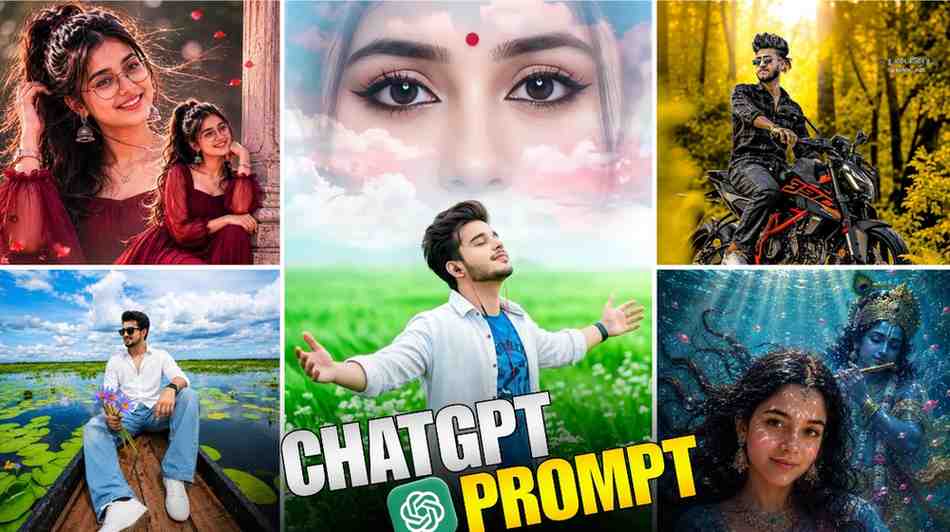
Are you looking for the best chatgpt photo editing prompts text that will change your simple picture in just one click? Then you have come to the very right place.
Nowadays, when we open social media, we see many amazing AI photos one after another. Many of us think, oh, I wish my picture was like that. But we cannot do it because we do not have the right prompt.
Many people spend a lot of time to make this kind of viral picture. Actually, there are thousands of AI prompts on the internet, and most of them do not work well. Today, I have come with an easy solution for this problem. I will tell you everything step by step in this article so that you can edit this kind of photo very easily with your own mobile phone.
But before that, let me tell you that I will not do this photo editing with any other AI app today. I will do it by using ChatGPT.
Can ChatGPT edit my photos for me?
It is very natural to have this question in your mind, can ChatGPT really edit your photo for you? To be very honest, ChatGPT itself is not a professional Photoshop app that will clean the spots from your photo.
But its brain is very sharp. If you give it a picture and tell it to change it, it will understand the whole part of your picture very well. Then, it will check your photo nicely according to the prompt you have given, which means whatever you asked it to change. It will change those exact things in your photo and make your photo look beautiful. You will not even understand that this is made by AI.
What is the prompt for photo editing?
To say it in easy words, a prompt is a kind of text order given to ChatGPT. Whatever you tell ChatGPT to do, it will make exactly that for you.
For example, you told ChatGPT, please make me wear a blue jacket and give neon lights in the background. This way, you gave it an order in your own simple language, and this is called a prompt. When you show the picture of your mind to the AI through some words, that works like magic.
Step-by-Step Guide to Creating Images
Now, let us see how you can make your own picture in a second by using chatgpt photo editing prompts. I am explaining this whole system to you very easily so that anyone can do it by looking at it for the first time.
- First, you have to copy your favorite trending ai photo prompt or text from our article below and keep it with you.
- After that, you have to go to the ChatGPT app or website and tap on the plus icon to upload your own picture from your gallery that you want to edit.
- When the photo is uploaded, paste that copied prompt into the chat box and click on the send button.
- That is all, some beautiful edited photos will come in front of you within a few seconds. If you want to change something here, you can also change that by giving a command to ChatGPT.
How to prompt ChatGPT to edit a photo?
To get the best result from ChatGPT, you have to tell it very clearly what you want. When you upload your picture, do not just tell ChatGPT, edit my photo.
Tell it, change the color of the clothes of the boy in this picture to red and make a beautiful mountain road in the background. The more perfectly you can write your mind in the text box, the more beautiful and professional look ChatGPT can give to your picture. You have to keep this thing in your mind very well. The more details you can give it, the more professionally it will edit your photo.
Categorized Prompt Library (Viral and Trending)
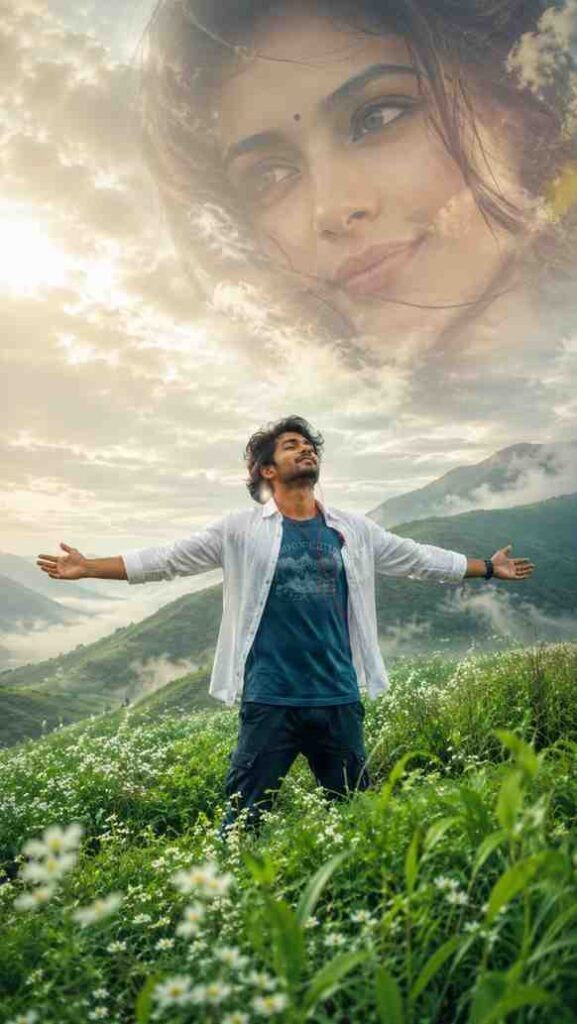
Here, I gave some great and brand new ai prompt below for you, which are becoming very viral everywhere now.
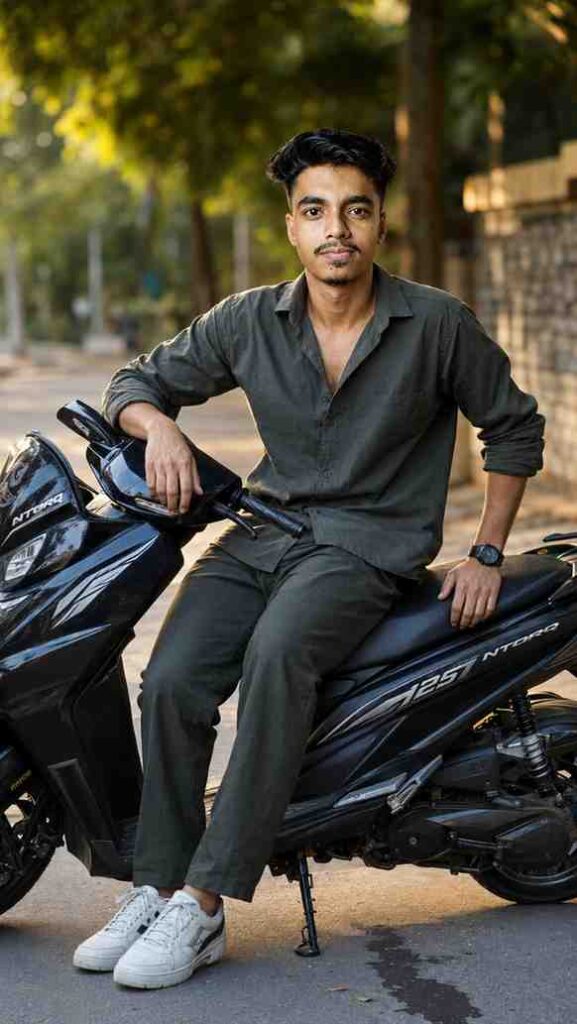
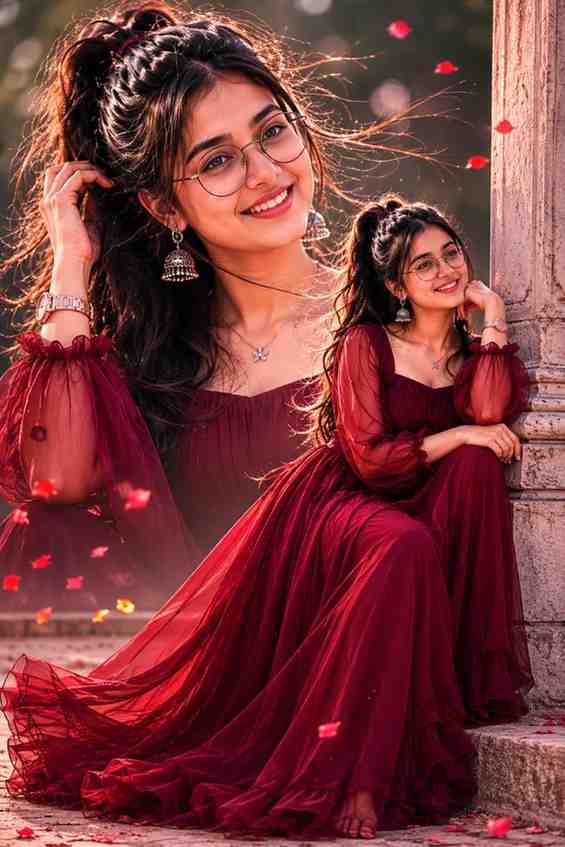

Where to Find Viral Prompts?
Now, a question can come to your mind, where can we find these beautiful and viral prompts? You do not have to waste your time by looking around different corners of the internet to find them.
Nowadays, these types of prompts are shared regularly on different social media platforms like Instagram Reels, Pinterest, and some special AI community forums. But the easiest way is to follow our website regularly, because we search and find all the trending prompts for you every day completely for free.
Conclusion
I hope you have learned very well how to edit photos easily by using chatgpt photo editing prompts text through this article today. Now, there is no need to spend money on costly editors or apps. Use your imagination and make your favorite amazing photos with the help of ChatGPT today. If you face any problem while making photos, you can surely tell us in the comment section, and we will reply to your question as fast as possible. Stay well, stay healthy, thank you.
Frequently Asked Questions, FAQ
Q1. Can ChatGPT edit photos directly like Photoshop?
No, ChatGPT does not edit directly like Photoshop, but it makes new AI pictures according to the prompt given by you.
Q2. Are these ChatGPT photo editing prompts free to use?
Yes, you can copy and use all the prompts given in this article completely for free.
Q3. Which is the best trending ai photo prompt for social media?
Right now, the prompts with neon bikes or three dimensional wings for boys are trending the most on social media.
Q4. Can a beginner easily use chat gpt prompt for photo editing?
Yes, anyone can do this very easily by following our steps without any past experience.
Q5. Do I need a premium ChatGPT account to edit images?
No, you will get the option to upload images and use prompts even in the free version of ChatGPT.